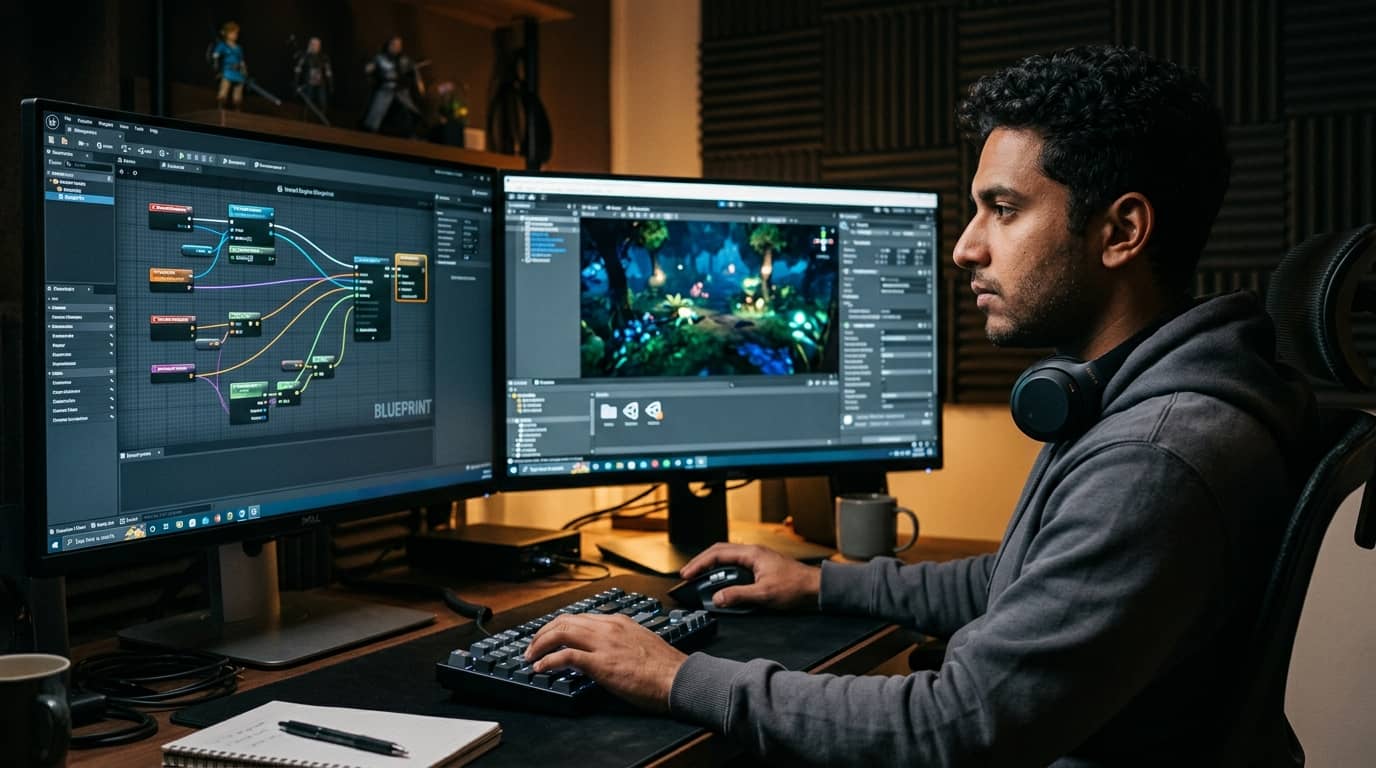
Unreal Engine Course
Master Unreal Engine from the ground up and build real, playable games with professional-grade visuals and systems. This course covers everything from Blueprints and materials to AI, animation, and multiplayer networking. You'll finish with the hands-on skills studios actually hire for.
What you will learn:
You'll learn to navigate the Unreal Engine editor and structure projects the right way from day one. You'll write game logic using Blueprints, create physically based materials, and set up dynamic lighting with Lumen. The course covers character animation, AI behavior trees, and multiplayer replication so your games feel complete and polished. You'll also build full HUD and inventory systems using UMG Widget Blueprints. By the end, you'll know how to optimize, package, and deploy your project to real target platforms.
How you study in practice Unreal Engine Course
How you practice Unreal Engine Course
For companies that want to train their team
With Dedika for Business, the course includes exercises and examples tailored to your own business and the way your company needs.

Course content
8 Chapters • 38 LessonsDuration between 4 and 360 hours (you decide)
Chapter 1HideHide detailsSee detailsIntroduction to Unreal Engine
Introduction to Unreal Engine
Lesson 1 • Understanding the Project Structure
Explains folder conventions, asset types, and the relationship between levels and maps. Proper structure prevents asset management issues in later projects.
Lesson 2 • Installing and Configuring Unreal Engine
Covers Epic Games Launcher setup, engine version selection, and project templates. Establishes the working environment for all subsequent chapters.
Lesson 3 • Navigating the Editor Interface
Introduces the Viewport, Content Browser, Outliner, and Details panel. Students gain fluency in the core UI panels used throughout the course.
Lesson 4 • Creating and Managing Levels
Teaches level creation, world settings, and basic actor placement. Students produce a functional empty level ready for content.
Chapter 2HideHide detailsSee detailsCore Blueprints and Scripting Fundamentals
Core Blueprints and Scripting Fundamentals
Lesson 1 • Blueprint Classes and the Event Graph
Covers Blueprint class types, the Event Graph canvas, and execution flow. Connects visual scripting concepts to the actors placed in Chapter 1.
Lesson 2 • Variables, Data Types, and Casting
Teaches declaring variables, common data types, and casting between object types. Proper typing prevents runtime errors in complex logic.
Lesson 3 • Blueprint Communication Patterns
Covers direct references, casting, interfaces, and the Event Dispatcher pattern for inter-Blueprint communication. Enables scalable multi-actor interactions.
Lesson 4 • Debugging and Profiling Blueprints
Introduces breakpoints, print strings, and the Blueprint debugger to identify logic errors. Students develop systematic troubleshooting habits early.
Lesson 5 • Functions, Macros, and Event Dispatchers
Explains reusable logic blocks through functions, macros, and event dispatchers. Students modularize code to reduce duplication across Blueprints.
Chapter 3HideHide detailsSee detailsMaterials and Shaders
Materials and Shaders
Lesson 1 • Material Instances and Parameters
Teaches creating Material Instances from parent materials and exposing scalar and vector parameters. Instances enable efficient variation without recompilation.
Lesson 2 • Advanced Material Techniques
Explores blend modes, opacity masking, emissive surfaces, and vertex color blending. Students create complex surfaces needed for environment art.
Lesson 3 • Textures and UV Mapping
Covers texture import settings, UV coordinate nodes, and tiling. Correct UV setup is essential for realistic surface detail.
Lesson 4 • Material Editor Fundamentals
Introduces the Material Editor canvas, output nodes, and shading models. Connects surface appearance to the actors placed in earlier chapters.
Chapter 4HideHide detailsSee detailsLighting and Rendering Pipelines
Lighting and Rendering Pipelines
Lesson 1 • Light Types and Properties
Covers Directional, Point, Spot, and Rect lights along with their mobility settings. Light mobility determines which rendering pipeline is used.
Lesson 2 • Rendering Performance Optimization
Teaches GPU profiling, draw call reduction, and scalability settings. Students balance visual quality against target hardware performance.
Lesson 3 • Baked Lighting with Lightmass
Explains Lightmass settings, lightmap UV requirements, and building lighting. Baked lighting delivers high-quality results for static environments.
Lesson 4 • Sky, Atmosphere, and Post-Process
Covers Sky Atmosphere, Volumetric Clouds, and the Post-Process Volume for color grading. These systems complete the visual look of any scene.
Lesson 5 • Dynamic Global Illumination with Lumen
Introduces Lumen's hardware and software ray-tracing modes and its configuration settings. Lumen enables fully dynamic scenes without baking.
Chapter 5HideHide detailsSee detailsPhysics, Collision, and Gameplay Systems
Physics, Collision, and Gameplay Systems
Lesson 1 • Game Mode, Player State, and Game State
Covers the Gameplay Framework classes that manage rules, scores, and player data. Proper use of these classes enables multiplayer-ready architecture.
Lesson 2 • Physics Simulation Fundamentals
Explains enabling physics on actors, mass, damping, and constraints. Students create physically reactive props for gameplay scenarios.
Lesson 3 • Collision Setup and Responses
Covers collision presets, channels, and overlap versus hit events. Correct collision configuration is the foundation of all physics interactions.
Lesson 4 • Damage, Health, and Pickups
Implements a health component, damage events, and pickup actors using Blueprints. Students complete a self-contained gameplay loop.
Lesson 5 • Character Movement and Input
Introduces the Character class, Character Movement Component, and Enhanced Input system. Students wire player input to character locomotion.
Chapter 6HideHide detailsSee detailsAnimation and Skeletal Mesh Systems
Animation and Skeletal Mesh Systems
Lesson 1 • Blend Spaces and Locomotion
Teaches 1D and 2D blend spaces to interpolate between walk, run, and strafe animations. Smooth locomotion is essential for player-controlled characters.
Lesson 2 • Animation Sequences and Montages
Explains animation sequence import, notifies, and montage sections for triggered actions. Montages enable on-demand animations like attacks and interactions.
Lesson 3 • Skeletal Meshes and Skeleton Assets
Covers importing skeletal meshes, skeleton retargeting, and socket creation. A correctly configured skeleton is required for all animation work.
Lesson 4 • Animation Blueprint State Machines
Covers state machine creation, transition rules, and layered animation blending. State machines manage complex animation logic in a maintainable graph.
Lesson 5 • Inverse Kinematics and Control Rig
Introduces IK solvers and Control Rig for procedural foot placement and hand IK. These techniques add realism without requiring additional animation assets.
Chapter 7HideHide detailsSee detailsUser Interface and HUD Development
User Interface and HUD Development
Lesson 1 • UMG Widget Blueprint Basics
Introduces the UMG Designer, common widgets, and the widget hierarchy. UMG is the primary UI framework used throughout this chapter.
Lesson 2 • Binding Data to UI Elements
Covers property bindings, event-driven updates, and passing data from game logic to widgets. Efficient data binding prevents performance issues in complex UIs.
Lesson 3 • Animations and Transitions in UMG
Explains UMG animation tracks, widget transitions, and sequencer-driven UI effects. Animated UI improves perceived polish and player feedback.
Lesson 4 • Inventory and HUD Systems
Builds a grid-based inventory widget and a persistent HUD using the HUD class. Students integrate UI with the gameplay systems built in Chapter 5.
Lesson 5 • Menus, Navigation, and Input Focus
Teaches main menu layout, button click events, and input mode switching between UI and game. Proper input focus management prevents control conflicts.
Chapter 8HideHide detailsSee detailsPackaging, Optimization, and Deployment
Packaging, Optimization, and Deployment
Lesson 1 • Asset Optimization and LOD Setup
Covers mesh LOD generation, texture compression, and asset auditing tools. Optimized assets are the single largest factor in runtime performance.
Lesson 2 • Platform-Specific Deployment
Covers desktop, console, and mobile platform requirements, SDK setup, and device testing. Each platform has unique constraints that must be addressed before release.
Lesson 3 • Packaging Settings and Build Configuration
Explains packaging project settings, cook maps list, and Development versus Shipping builds. Correct configuration prevents missing assets in the final build.
Lesson 4 • Memory and CPU Profiling
Introduces Unreal Insights, the stat commands, and memory profiling tools. Students identify and resolve CPU and memory bottlenecks before shipping.
Lesson 5 • Continuous Integration and Version Control
Teaches Git and Perforce workflows, binary asset locking, and automated build pipelines. Version control is mandatory for team-based production.
Your valid completion certificate
This course is for you:
Aspiring game developer: wants structured, professional training to enter the industry.
Unity developer: ready to expand expertise by adding Unreal Engine to their toolkit.
3D artist: seeks to bring environments and characters into a real-time game engine.
Computer science student: wants applied game development experience beyond academic coursework.
Career changer: comes from film, architecture, or design and targets game production roles.
Indie creator: has game ideas but lacks the technical foundation to execute them.
What our students say
Your classes are perfect. I purchased the one-year package and finally have the opportunity to follow various topics of my interest without needing to switch platforms... I thank you for everything you do, I've already recommended you to other people...

I like how the lessons are straight to the point and how I can switch chapters and skip content I don't need.

I like the content and the presentation style and video transcription, which speeds up the process!

The platform is fast, simple to use. The diversity of content and complementary videos really help with learning.

Top trainings





FAQ
Who is Dedika?
Is the certificate valid in the United States?
Are the courses free?
What is the course workload?
What are the courses like?
How do the courses work?
What is the duration of the courses?
What is the cost or price of the courses?
What is an EAD or online course and how does it work?
PDF Course