
ZBrush: Sculpting a 3D Dragon Course
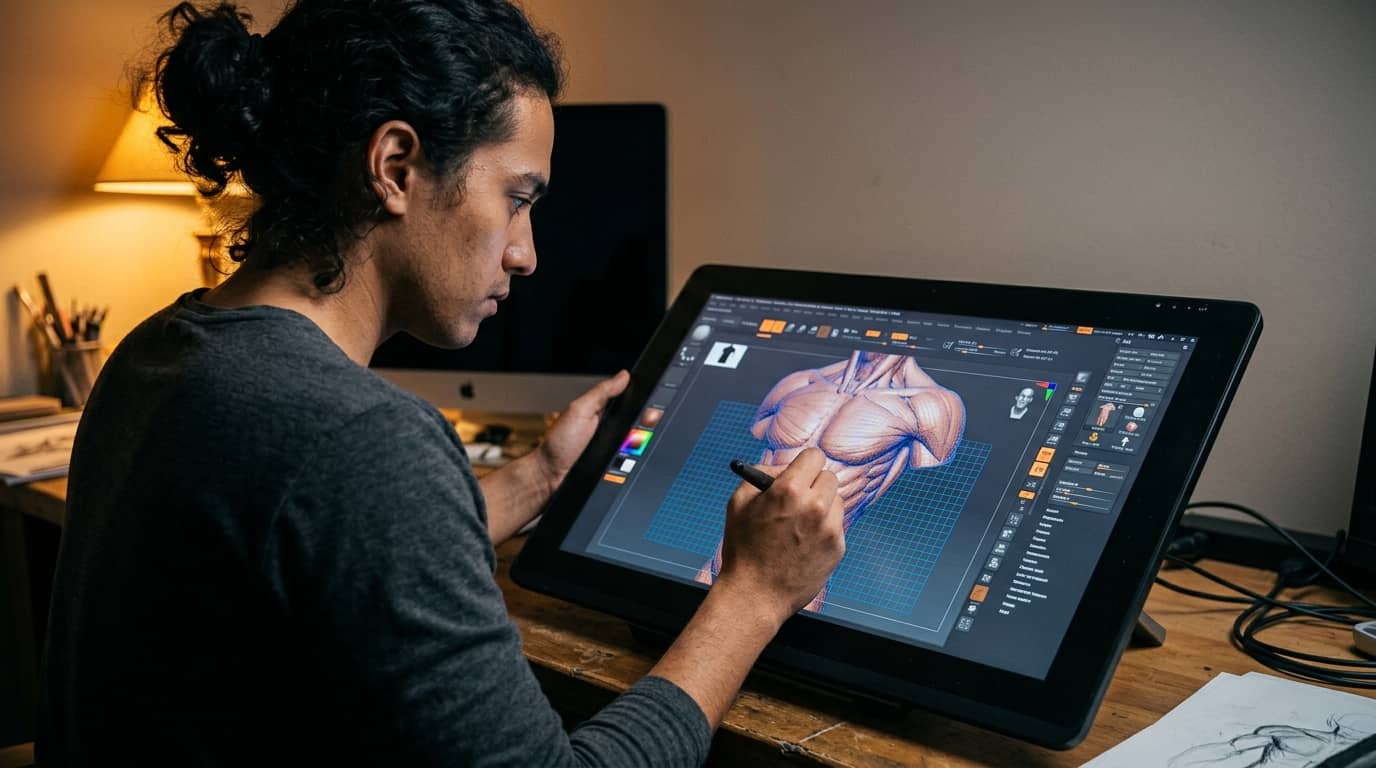
Learn to sculpt a fully detailed 3D dragon from scratch using ZBrush, one of the industry's most powerful digital sculpting tools. This course takes you from interface basics through anatomy, surface detailing, retopology, and final rendering. Whether you're building your creature art portfolio or levelling up your 3D skills, this is the project that proves what you can do.
What you will learn:
Master ZBrush's interface, navigation, and core sculpting workflow from the ground up.
Build a fully realised dragon with detailed head anatomy, musculature, wings, and scales.
Apply professional brush techniques to sculpt believable reptilian surfaces and organic forms.
Create production-ready assets through retopology, UV unwrapping, and normal map baking.
Develop a dynamic posed dragon render suitable for professional portfolio submission.
Integrate ZBrush outputs with external rendering tools and game engine pipelines.
How you study in practice ZBrush: Sculpting a 3D Dragon Course
How you practise ZBrush: Sculpting a 3D Dragon Course
For companies looking to train their teams
With Dedika for businesses, the course includes exercises and examples tailored to your company and its specific needs.

Course content
8 Chapters • 34 LessonsDuration between 4 and 360 hours (you decide)
Chapter 1HideHide detailsSee detailsZBrush Interface and Navigation Fundamentals
ZBrush Interface and Navigation Fundamentals
Lesson 1 • Lightbox, Projects, and File Management
Covers Lightbox browsing, project saving, and ZPR file formats. Reliable file management protects work across all subsequent chapters.
Lesson 2 • Understanding the ZBrush Canvas
Covers the 2.5D canvas concept, document settings, and viewport behaviour. Establishes the mental model needed before any sculpting begins.
Lesson 3 • Tool Palette and Brush System
Introduces the Tool palette, ZTool concept, and brush selection workflow. Connects tool logic to efficient sculpting habits throughout the course.
Lesson 4 • Navigating 3D Objects in Edit Mode
Teaches Edit mode activation, object rotation, and camera presets. Proper navigation prevents common beginner errors in later sculpting chapters.
Chapter 2HideHide detailsSee detailsPrimitive Shapes and Basic Mesh Setup
Primitive Shapes and Basic Mesh Setup
Lesson 1 • Introduction to DynaMesh
Teaches DynaMesh for resolution-independent base sculpting and mesh merging. DynaMesh enables free-form blocking without topology constraints.
Lesson 2 • SubTool Management Basics
Introduces the SubTool stack for organising separate mesh parts. Proper SubTool organisation is essential for complex multi-part dragon anatomy.
Lesson 3 • Blocking Out the Dragon Silhouette
Applies primitives and DynaMesh to rough out the dragon's body, head, and limbs. Silhouette blocking defines proportions before detail work begins.
Lesson 4 • Working with 3D Primitives
Explores sphere, cylinder, and box primitives as sculpting starting points. Primitive mastery accelerates base mesh construction for organic creatures.
Chapter 3HideHide detailsSee detailsCore Sculpting Brushes and Techniques
Core Sculpting Brushes and Techniques
Lesson 1 • Masking and Selection Techniques
Teaches masking by cavity, intensity, and lasso for isolated sculpting. Masks protect finished areas while refining adjacent regions of the dragon.
Lesson 2 • Symmetry and Stroke Settings
Covers X, Y, Z symmetry modes and stroke types for efficient sculpting. Symmetry and stroke control multiply sculpting speed on bilateral anatomy.
Lesson 3 • Detail and Accent Brushes
Introduces Dam Standard, Slash, and Orb brushes for creases and accents. Detail brushes define the secondary forms that give the dragon character.
Lesson 4 • Surface Refinement Brushes
Teaches Smooth, Flatten, and Polish brushes for surface quality control. Refinement brushes transition raw forms into believable anatomical surfaces.
Lesson 5 • Essential Move and Form Brushes
Covers Move, Move Topological, and Clay brushes for large-form shaping. These brushes drive primary anatomy definition across the dragon's body.
Chapter 4HideHide detailsSee detailsSculpting Dragon Head and Facial Features
Sculpting Dragon Head and Facial Features
Lesson 1 • Establishing Head Proportions
Defines skull mass, snout length, and cranial volume using Move and Clay brushes. Correct proportions at this stage prevent costly rework in later sections.
Lesson 2 • Nostrils, Lips, and Jaw Detail
Sculpts nostril flares, lip lines, and jaw musculature for a menacing expression. These features communicate the dragon's personality and threat level.
Lesson 3 • Horns and Cranial Spikes
Builds primary horns and secondary cranial spikes as separate SubTools. Horn design reinforces the dragon's silhouette and species identity.
Lesson 4 • Sculpting Eyes and Eye Sockets
Covers eye socket depth, brow ridge, and separate eyeball SubTool creation. Expressive eyes are a primary focal point of the finished dragon character.
Lesson 5 • Teeth, Tongue, and Interior Mouth
Creates individual teeth, gum ridges, and a tongue using Insert Mesh brushes. Interior mouth detail adds realism when the dragon's jaw is posed open.
Chapter 5HideHide detailsSee detailsBody Anatomy and Musculature
Body Anatomy and Musculature
Lesson 1 • Hind Limbs and Haunches
Builds powerful haunches, thigh mass, and digitigrade foot structure. Hind limb anatomy communicates the dragon's locomotion and ground stance.
Lesson 2 • Tail Design and Tip Detail
Sculpts a tapered tail with dorsal spines and a distinctive tail tip weapon. The tail balances the dragon's silhouette and adds dynamic visual weight.
Lesson 3 • Front Limbs and Clawed Feet
Sculpts foreleg musculature, wrist anatomy, and individual clawed toes. Front limbs must convey both power and dexterity in the final pose.
Lesson 4 • Torso and Spine Structure
Defines ribcage volume, spine ridge, and belly plate separation. A strong torso structure anchors all limb and wing attachments that follow.
Chapter 6HideHide detailsSee detailsWing Sculpting and Membrane Detail
Wing Sculpting and Membrane Detail
Lesson 1 • Membrane Texture and Vein Detail
Sculpts vein networks, stretch wrinkles, and torn edge damage into the membrane. Surface detail transforms flat geometry into a living organic surface.
Lesson 2 • Wing-to-Body Integration
Blends wing shoulder into the torso with skin folds and muscle insertion detail. Seamless integration makes the wings appear structurally connected to the body.
Lesson 3 • Membrane Mesh Creation
Creates thin membrane geometry between wing fingers using ZRemesher and masking. Membrane topology must support fine texture detail without artefacts.
Lesson 4 • Wing Bone Armature Design
Establishes wing finger bones, wrist, and shoulder attachment using Insert Mesh. Bone placement determines membrane stretch and wing silhouette.
Chapter 7HideHide detailsSee detailsSurface Detailing: Scales and Skin Texture
Surface Detailing: Scales and Skin Texture
Lesson 1 • Hand-Sculpted Scale Rows
Sculpts individual scale rows on the belly and face using Insert Mesh and Clay. Hand-sculpted scales add uniqueness and focal detail to hero regions.
Lesson 2 • Surface Noise and Skin Variation
Uses the Noise Maker and Surface Noise panel to add micro skin texture. Noise variation prevents the surface from appearing artificially uniform.
Lesson 3 • Transition Zones and Detail Blending
Sculpts smooth transitions between scale types, belly plates, and smooth skin. Believable transitions are the mark of professional creature surface work.
Lesson 4 • Alpha Textures for Scale Patterns
Loads and applies custom scale alphas using DragRect and Spray strokes. Alpha-driven scales provide consistent patterning across large surface areas efficiently.
Chapter 8HideHide detailsSee detailsRetopology, UV Mapping, and Export
Retopology, UV Mapping, and Export
Lesson 1 • UV Unwrapping with UV Master
Applies UV Master to generate non-overlapping UVs with controlled seam placement. Clean UVs are required for baking normal maps and applying textures.
Lesson 2 • ZRemesher for Retopology
Uses ZRemesher guides and settings to generate clean low-poly topology. Good retopology preserves silhouette while enabling efficient downstream use.
Lesson 3 • Baking Normal and Displacement Maps
Bakes high-res sculpt detail into normal and displacement maps via Multi Map Exporter. Baked maps transfer sculpt detail to the low-poly mesh for rendering.
Lesson 4 • Exporting for Rendering and Game Engines
Exports OBJ, FBX, and GoZ formats with correct scale and axis orientation. Proper export settings ensure compatibility with target rendering pipelines.
Your valid completion certificate
This course is for you:
Aspiring creature artist: wants a flagship sculpt to anchor their portfolio.
Game art student: needs hands-on ZBrush experience beyond classroom fundamentals.
Hobbyist 3D enthusiast: ready to tackle a complex, rewarding long-form project.
Concept artist: looking to translate 2D creature designs into dimensional sculpts.
Career-changer entering VFX: needs a production-quality asset to prove readiness.
Indie game developer: wants to create original creature assets without outsourcing.
What our students say
Your lessons are perfect. I purchased the one-year package and finally have the opportunity to follow various topics of interest without needing to change platforms... I'm grateful for everything you do, I've already recommended you to other people...

I like how the lessons are straight to the point and how I can change chapters and skip content I don't need.

I like the content and the way videos are presented and transcribed, which speeds up the process!

The platform is fast, simple to use. The diversity of content and complementary videos really help with learning.

Top qualifications




FAQ
Who is Dedika?
Is the certificate valid in South Africa?
Are the courses free?
What is the course workload?
What are the courses like?
How do the courses work?
What is the duration of the courses?
What is the cost or price of the courses?
What is an EAD or online course and how does it work?
PDF Course